Introduction
Joppa gives every local project a .test domain, a trusted certificate and its databases. This documentation explains everything it does, and how.
Joppa is a desktop app for macOS and Linux that replaces the setup of your local dev environment. You give it a folder; it finds the dev servers that run there, gives them an https:// address that looks like production, and runs the databases the project needs.
localhost:5173        →   https://app.kinosante.test   🔒
localhost:8000        →   https://api.kinosante.test   🔒
postgres (container)  →   127.0.0.1:5432 · db kinosante · pgvector
Where to start
InstallationDownload Joppa, trust the certificate and get .test domains to resolve.
Getting startedYour first project on HTTPS, in five minutes.
ConceptsProject, domain, proxy, service: Joppa's vocabulary.
Keyboard shortcutsThe whole app runs from the keyboard, starting with ⌘K.
What Joppa does
For your projects
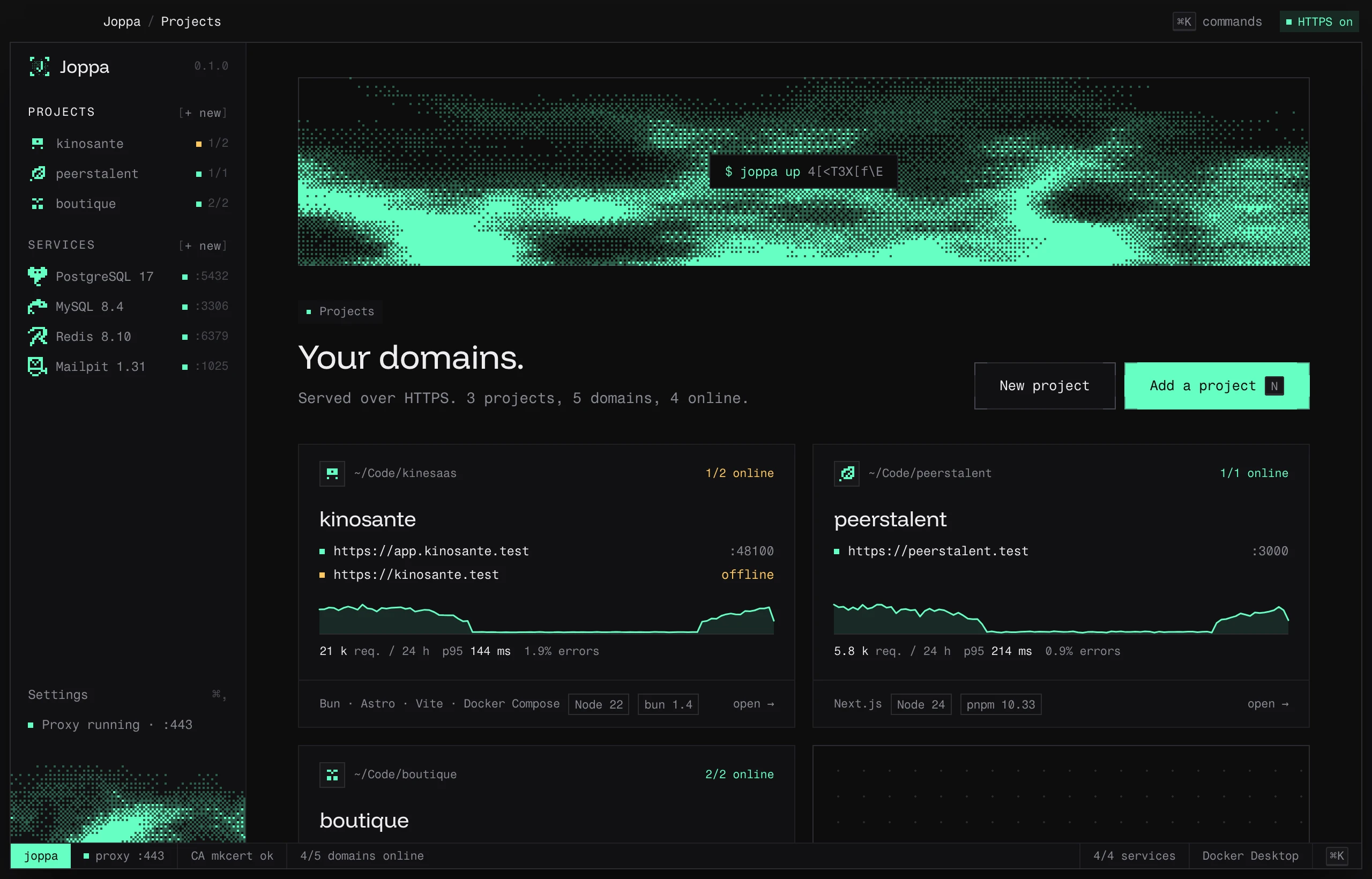
.testdomains on HTTPS: one domain per dev server (app.myproject.test,api.myproject.test), with a trusted certificate.- Processes: Joppa starts your dev servers and Compose containers in the right order, with a built-in terminal and a relaunch after a crash.
- Environment variables: the
.envis kept up to date with your domains and services, always with a diff before writing. - Node, bun and PHP versions pinned per project.
- Analytics: requests, latency, errors and uptime of your dev servers.
- New project from a template: Vite+, Next.js, Nuxt, Astro, SvelteKit, Laravel or a GitHub repository.
For your services
- Databases: PostgreSQL (with pgvector, PostGIS…), MySQL and MariaDB, one database per project.
- Cache, mail and search: Redis, Valkey, Mailpit, Typesense and Meilisearch.
- Import from Docker Compose: your data copied into Joppa, without touching the source.
Everywhere
- The
joppacommand, a full-screen app in the terminal and an MCP server for Claude and Cursor. - The ⌘K palette and a shortcut for every action.
Supported systems
| System | Status |
|---|---|
| macOS | Available (Apple Silicon and Intel) |
| Linux | Available (.AppImage and .deb) |
| Windows | In development |
Joppa is free for up to 3 projects and 1 service. Joppa Pro lifts these limits.